
As a parent, you might be wondering if there’s an Apple iPad for kids, specifically for the unique needs of neurodivergent children. Well, you’re in the right place! In this blog post, we’ll explore the world of iPads and their suitability for kids with thinking and learning differences. We’ll also discuss some alternative options and provide helpful tips for choosing the best tablet for your child. So, let’s get started!
Table of Contents
Apple iPads: A Kid-Friendly Option?
Firstly, it’s essential to note that Apple doesn’t offer a specific iPad model exclusively designed for kids. However, iPads can still be a great option for children, including those with special needs. Here’s why:
- Parental Controls: iPads come with built-in parental controls, allowing you to restrict access to specific apps, websites, and content.
- Accessibility Features: Apple devices are known for their extensive accessibility options, making them suitable for kids with various learning differences.
- Educational Apps: The App Store offers a vast selection of educational apps designed for children with special needs, covering areas such as communication, social skills, and academic support.

Read more: 5 Autism Apps for iPad
It’s crucial to remember that iPads are not specifically for kids. Therefore, you might want to explore other options tailored to the needs of neurodivergent children.
Alternative Tablets for Neurodivergent Kids
While iPads can be a suitable choice, there are many tablets on the market that cater specifically to the needs of neurodivergent kids. For example:
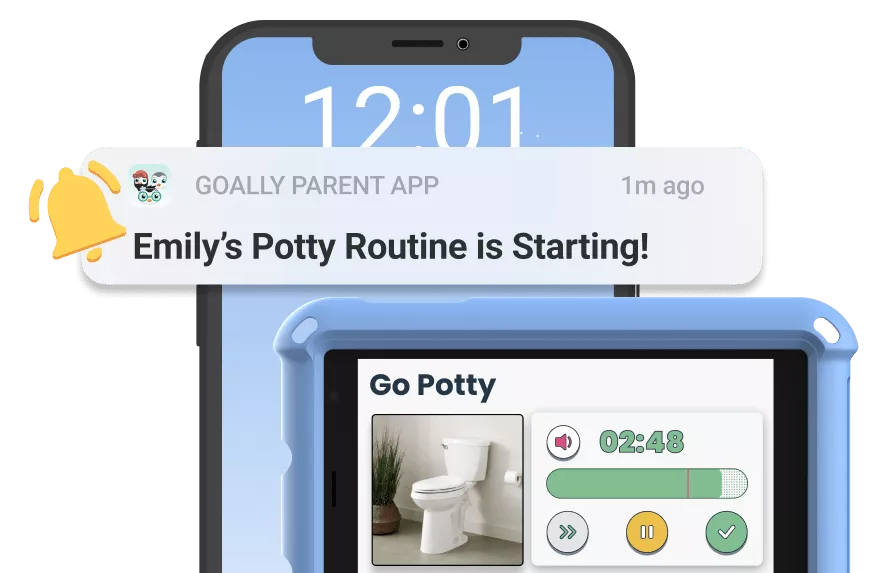
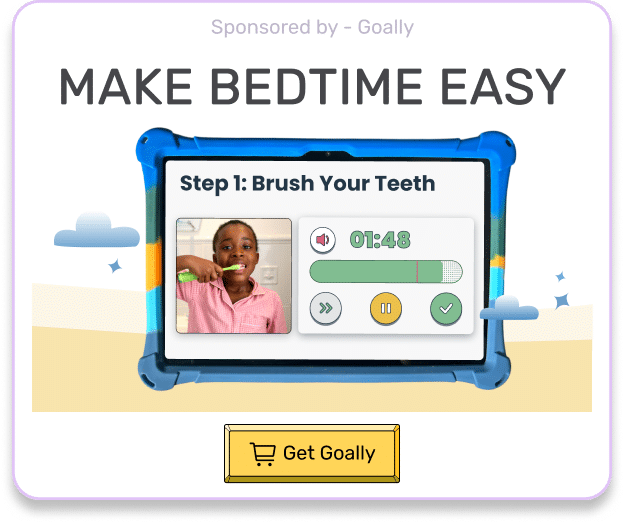
- Goally Learning Tablet: Goally’s learning tablet is explicitly for kids with thinking and learning differences. It offers a range of pre-installed apps and tools to support executive functioning, behavior management, and daily routines.
- Amazon Fire Kids Edition: This tablet comes with a kid-friendly interface, robust parental controls, and a vast library of age-appropriate content, including apps for special needs children.
- Samsung Galaxy Tab A Kids Edition: With a durable design and access to Samsung Kids, this tablet offers a curated selection of educational apps and content for children, including those with special needs.
Each of these alternatives has its unique features and benefits, so it’s essential to compare different types of tablets to find the best fit for your child.
Choosing the Right Tablet for Your Child
When selecting a tablet for your neurodivergent child, consider the following factors:
- Accessibility Features: Ensure the tablet offers accessibility options that cater to your child’s specific needs, such as text-to-speech, screen magnification, or switch control.
- App Selection: Research the availability of educational and therapeutic apps designed for children with special needs on the tablet’s app store.
- Parental Controls: Look for tablets with robust parental controls to manage your child’s screen time and access to content.
- Durability: Kids can be rough on their devices, so opt for a tablet with a sturdy design or invest in a protective case.
- Budget: Tablets come in various price ranges, so choose a tablet that fits your budget without compromising on essential features.

Read more: Top 3 Tablets for Teens
By considering these factors, you can make the important decision and choose the best tablet for your child’s unique needs.
Maximizing the Benefits of Tablets for Neurodivergent Kids
Once you’ve chosen the perfect tablet for your child, follow these tips to ensure they get the most out of their new device:
- Set Clear Boundaries: Establish rules for screen time and appropriate usage to prevent excessive use and promote a healthy balance of activities.
- Monitor Progress: Regularly review your child’s progress with the apps and tools they’re using to ensure they’re benefiting from their tablet experience.
- Stay Involved: Engage with your child during their screen time, offering support, encouragement, and guidance as needed.
- Customize Settings: Tailor the tablet’s accessibility features and settings to meet your child’s unique needs and preferences.
By following these tips, you can help your kid make the most of their tablet experience, whether it’s an Apple iPad for kids or another device like the Goally Learning Tablet.
Goally | Apps To Support Child Development
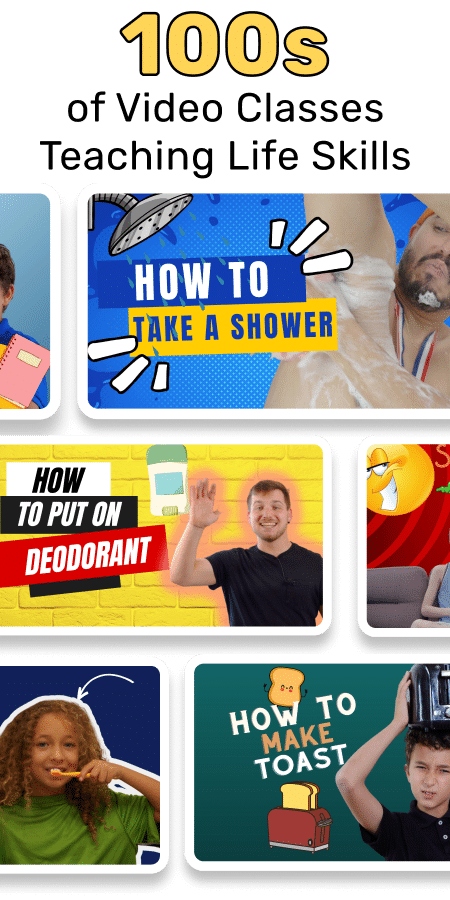
Looking for fun ways to help your child learn life skills? Try Goally! The Goally tablet comes with award-winning learning apps and video classes to help kids develop the skills they need to become independent with FUN & evidence-based practices.
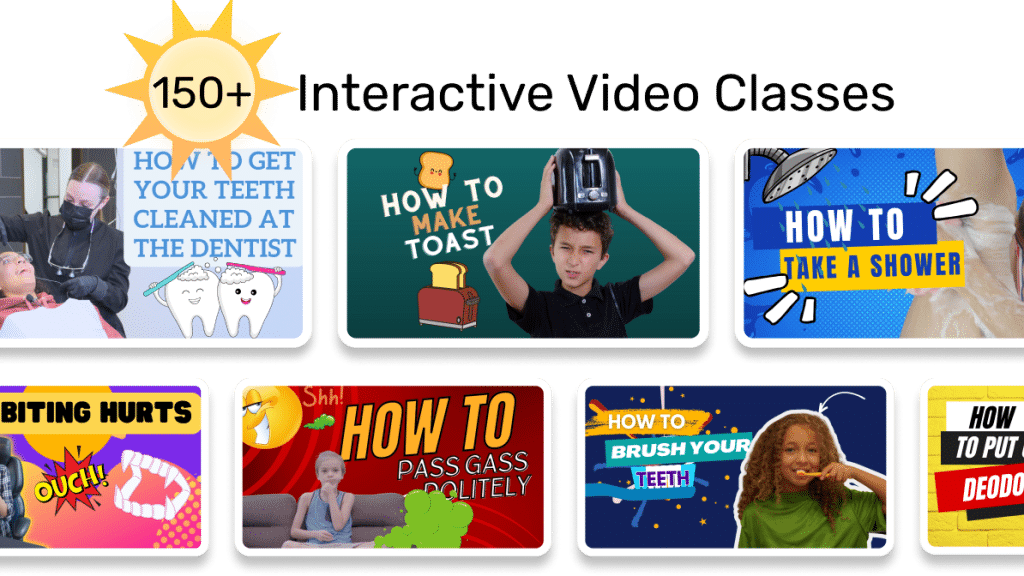
Our apps teach executive function, language, emotional regulation, finger dexterity skills, and more.
As your child develops new skills, you can increase the difficulty level of the tasks in the app to challenge and motivate them even further. This helps your child grow and progress at their own pace, while also keeping them engaged and excited about their development.
Final Thoughts: iPads and Beyond
In summary, while there isn’t a specific Apple iPad for kids, iPads can still be a suitable choice for neurodivergent children, thanks to their accessibility features, parental controls, and educational app selection. However, don’t forget to explore alternative options like the Goally Learning Tablet, Amazon Fire Kids Edition, or Samsung Galaxy Tab A Kids Edition. Ultimately, the best tablet for your child will depend on their unique needs, preferences, and budget. So, take the time to research and look at your options, and you’ll be well on your way to finding the perfect device to support your child’s learning and development.
FAQ’s About iPad Kids
At what age can kids start using iPads?
While there's no fixed age, most experts recommend waiting until at least 18 months. It's crucial to limit screen time and ensure age-appropriate content.

How can iPads help with learning?
iPads offer educational apps and games that can enhance skills like reading, math, and problem-solving. They can also support learning for kids with special needs.

What are some good educational apps for kids on iPad?
Some popular educational apps include ABCmouse, Khan Academy Kids, Duolingo, and Codecademy. Choose apps that align with your child's age and learning needs.

How much screen time should kids have on iPads?
The American Academy of Pediatrics suggests a maximum of 1 hour per day of high-quality programs for children 2 to 5 years old. For older kids, consistent limits on screen time are recommended.

How can I ensure my child's safety while using an iPad?
Enable parental controls, set content restrictions, and monitor your child's iPad use. Teach them about online safety and establish clear rules for iPad usage.
This post was originally published on 05/26/2023. It was updated on 04/30/2024.

Goally
We help parents teach their kids life skills, like doing bedtime and morning independently. Backed by science, we incorporate evidence-based practices and expert-informed designs in all of our apps and content.
- Goally
- Goally
- Goally
- Goally
- Goally
- Goally
- Goally
- Goally
- Goally
- Goally
- Goally
- Goally
- Goally
- Goally
- Goally
- Goally
- Goally
- Goally
- Goally
- Goally
- Goally
- Goally
- Goally
- Goally
- Goally
- Goally
- Goally
- Goally
- Goally
- Goally
- Goally
- Goally
- Goally
- Goally
- Goally
- Goally
- Goally
- Goally
- Goally
- Goally
- Goally
- Goally
- Goally
- Goally
- Goally
- Goally
- Goally
- Goally
- Goally
- Goally
- Goally
- Goally
- Goally
- Goally
- Goally
- Goally
- Goally
- Goally
- Goally
- Goally
- Goally
- Goally
- Goally
- Goally
- Goally
- Goally
- Goally
- Goally
- Goally
- Goally
- Goally
- Goally
- Goally
- Goally
- Goally
- Goally
- Goally
- Goally
- Goally
- Goally
- Goally
- Goally
- Goally
- Goally
- Goally
- Goally
- Goally
- Goally
- Goally
- Goally
- Goally
- Goally
- Goally
- Goally
- Goally
- Goally
- Goally
- Goally
- Goally
- Goally
- Goally
- Goally
- Goally
- Goally
- Goally
- Goally
- Goally
- Goally
- Goally
- Goally
- Goally
- Goally
- Goally
- Goally
- Goally
- Goally
- Goally
- Goally
- Goally
- Goally
- Goally
- Goally
- Goally
- Goally
- Goally
- Goally
- Goally
- Goally
- Goally
- Goally
- Goally
- Goally
- Goally
- Goally
- Goally
- Goally
- Goally
- Goally
- Goally
- Goally
- Goally
- Goally