
Working with kids daily, I’ve seen firsthand how technology can be a game-changer in the classroom. Digital assistive technology can help a child with autism communicate more effectively. It can also enable a student with ADHD to stay organized. This technology can transform learning experiences. So, how can digital assistive technology help students? In simple terms, it provides tools that cater to the unique needs of neurodivergent kids. This makes education more accessible and personalized. This blog will explore the different types of digital assistive technologies, their benefits, and how to use them to support your child’s learning journey.
Table of Contents
What Is Digital Assistive Technology?
Digital assistive technology refers to software and devices designed to support individuals with disabilities in their learning and daily activities. These tools can range from speech-to-text software that helps dyslexic kids write papers. They also include apps that create visual schedules for kids with autism. These apps help them understand and manage their daily routines.
The beauty of digital assistive technology is that it’s customizable to each child’s specific needs, making it easier for them to engage with educational content and succeed in their studies. By leveling the playing field, these tools give kids with learning differences the support they need to thrive in a traditional or virtual classroom.
The Benefits of Digital Assistive Technology for Students
Digital assistive technology can profoundly impact students, especially those with special needs. Here are some key benefits:
Enhanced Communication
For students with speech or language difficulties, digital tools like speech-generating devices or communication apps can be life-changing. These technologies allow kids to express themselves more effectively, take part in class discussions, and interact with peers.
For example, a child with autism who struggles with verbal communication might use an app that lets them select pictures or symbols to convey their thoughts. This improves their ability to communicate and boosts their confidence and social interaction.

Improved Focus and Organization
Many neurodivergent kids, especially those with ADHD, struggle with staying organized and focused. Digital assistive technology, such as apps that create visual schedules or task management tools, can help them stay on track. These apps break down tasks into manageable steps, providing reminders and rewards that motivate kids to complete their work.
For instance, an app that turns homework assignments into a fun game with points and rewards can make completing tasks less overwhelming. It can also be more engaging for a child who easily loses focus.
Types of Digital Assistive Technology
A wide variety of digital assistive technologies are available, each tailored to address specific challenges that students face. Below are some of the most common types:
Speech-to-Text and Text-to-Speech Software
These tools are incredibly beneficial for students with dyslexia or other learning disabilities that make reading and writing difficult. Speech-to-text software allows kids to dictate their thoughts, which the software then converts into written text. This can be particularly useful during writing assignments or when taking notes in class.
Conversely, text-to-speech software reads written content aloud, helping students who struggle with reading comprehension or visual impairments to better understand the material. Both types of software can be integrated into various devices, making learning more accessible anywhere, anytime.
Visual Schedules and Task Management Apps
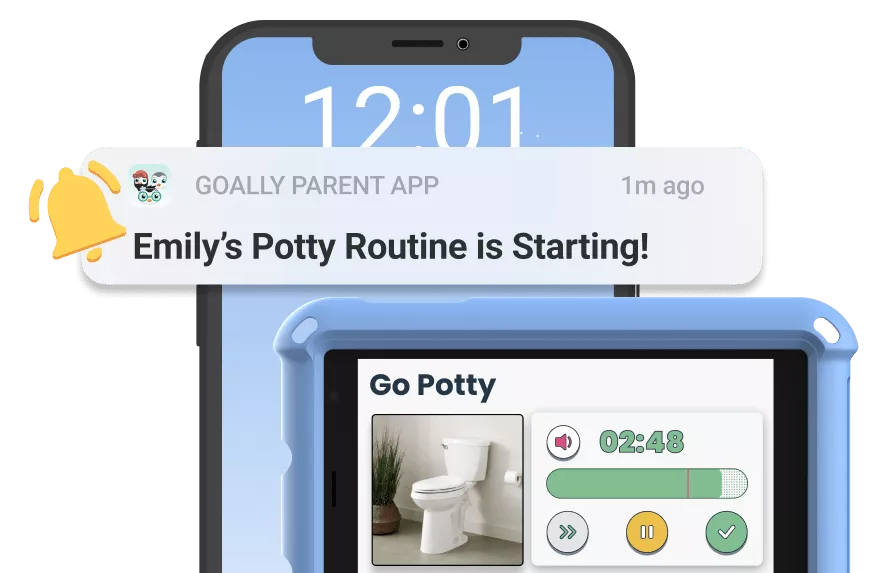
For kids who benefit from routine and structure, such as those with autism, visual schedules can be life changing. These apps allow parents and teachers to create daily schedules using pictures, symbols, or videos that outline each step of the day. This visual representation helps kids understand what’s expected of them and eases transitions between activities.
Build Custom Printable Visual Schedules
Is your child having trouble managing their routines? Here’s a free visual schedule builder. Goally’s custom tool allows you to create printable personalized schedules that motivate your child to focus on their tasks. Perfect for morning, homework, and bedtime routines, this free visual schedule builder is easy to use and will help your child reach their full potential.
Click below to make your CUSTOM printable visual schedule! 👇
Task management apps take this further by breaking down assignments or chores into smaller, more manageable tasks. With built-in reminders and progress tracking, these apps help kids stay organized and focused, reducing anxiety and increasing their sense of accomplishment.
Interactive Learning Apps
Interactive learning apps combine education with play, making learning fun and engaging for kids of all abilities. These apps often include games, puzzles, and other interactive elements that reinforce academic concepts while catering to different learning styles. For example, a math app might use colorful animations and rewards to teach basic arithmetic, keeping kids motivated and engaged.
Many apps are designed to adapt to a child’s progress, offering more challenging tasks as they improve. This personalized approach ensures that each child is learning at their own pace and receiving appropriate support.
How to Choose the Right Digital Assistive Technology for Your Child
Given the many options available, Selecting the right digital assistive technology for your child can feel overwhelming. Here are a few tips to guide you:
Understand Your Child’s Needs
The first step in choosing the right technology is understanding your child’s challenges and strengths. Are they struggling with communication, organization, or a particular academic subject? Identifying where your child needs the most support will help narrow the options.

Consulting with your child’s teachers, therapists, or doctors can also provide valuable insights into the most beneficial tools. These professionals can recommend technologies based on their experience working with kids with similar needs.
Research and Trial
Once you’ve identified potential tools, do your research. Look for reviews from other parents and educators to see how effective the technology has been for others in similar situations. Many companies offer trial periods or demo versions, allowing you to test the technology before purchasing.
During the trial period, observe how your child interacts with the technology. Are they finding it easy to use? Is it helping them with the challenges you identified? Your child’s comfort and engagement with the tool are crucial to its effectiveness.
Success Stories: How Digital Assistive Technology Has Helped Students
Hearing about other families’ successes can be incredibly inspiring and provide a blueprint for incorporating digital assistive technology into your child’s life.
Case Study: John’s Journey with a Visual Schedule App
John, a 7-year-old with autism, struggled with transitions between activities, often leading to meltdowns. His parents introduced a visual schedule app that laid out his day in simple, easy-to-understand pictures. Over time, John began to understand what to expect next, reducing his anxiety and increasing his independence. The app has been a game-changer in helping him confidently navigate his daily routine.
John’s story is just one example of how digital assistive technology can significantly impact a child’s life. Kids like John can achieve greater independence and success in their daily activities by providing tools tailored to their specific needs.
Goally | Apps To Support Child Development
Looking for fun ways to help your child learn life skills? Try Goally! The Goally tablet comes with award-winning learning apps and video classes to help kids develop the skills they need to become independent with FUN & evidence-based practices.
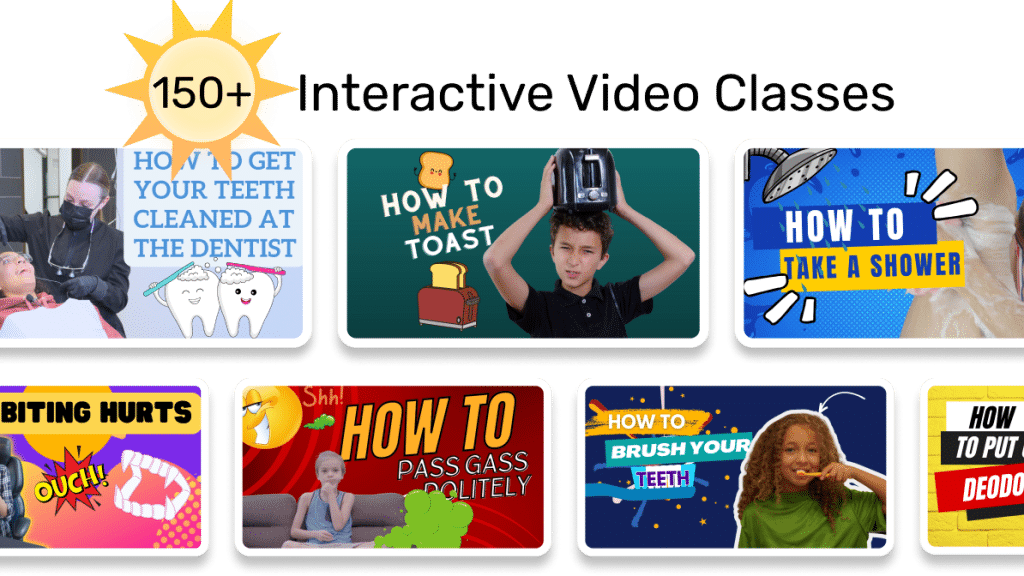
Our apps teach executive function, language, emotional regulation, finger dexterity skills, and more.
As your child develops new skills, you can increase the difficulty level of the tasks in the app to challenge and motivate them even further. This helps your child grow and progress at their own pace, while also keeping them engaged and excited about their development.
The Future of Digital Assistive Technology in Education
As technology evolves, the potential for digital assistive technology in education is limitless. Advances in artificial intelligence, for example, could lead to even more personalized learning experiences, where educational content is tailored to each student’s unique needs and learning style.
Moreover, integrating these technologies into mainstream education could make classrooms more inclusive, ensuring that every student, regardless of their abilities, has the opportunity to succeed. By staying informed about the latest developments, parents and educators can continue providing their students the best possible support.
Helpful Resources
FAQ’s About How Can Digital Assistive Technology Help Students
What is digital assistive technology?
Digital assistive technology includes tools and software designed to support students with learning differences in their education.

How does digital assistive technology help students with autism?
It helps by providing visual schedules and communication apps that cater to their specific needs.

Can digital assistive technology improve focus for students with ADHD?
Yes, task management apps can help students with ADHD stay organized and focused on their tasks.

What are examples of digital assistive technology for learning?
Examples include speech-to-text software, visual schedule apps, and interactive learning platforms.

Emily is a seasoned blog writer for Goally, leveraging her extensive background in child psychology and special education to provide valuable insights and resources for parents. Her commitment to understanding and addressing the unique needs of these children, combined with her expertise in educational strategies, makes her a credible and empathetic voice for families.