

Ages
2-7

Category
Academic

Maker
Goally

Type
Goally Exclusive


 1 Day Ago
“SO HELPFUL. I cried when my son finally wrote his own name.”
-Tammy S.
3 Days Ago
“I’m an OT and love it. I’m using this with most of my kids.”
-Sara M.
6 Days Ago
“This is the most simple, helpful handwriting app on the market.”
-Cameron P.
1 Week Ago
"We tried every other tool. This finally kept my daughter engaged enough to learn."
-Terry W.
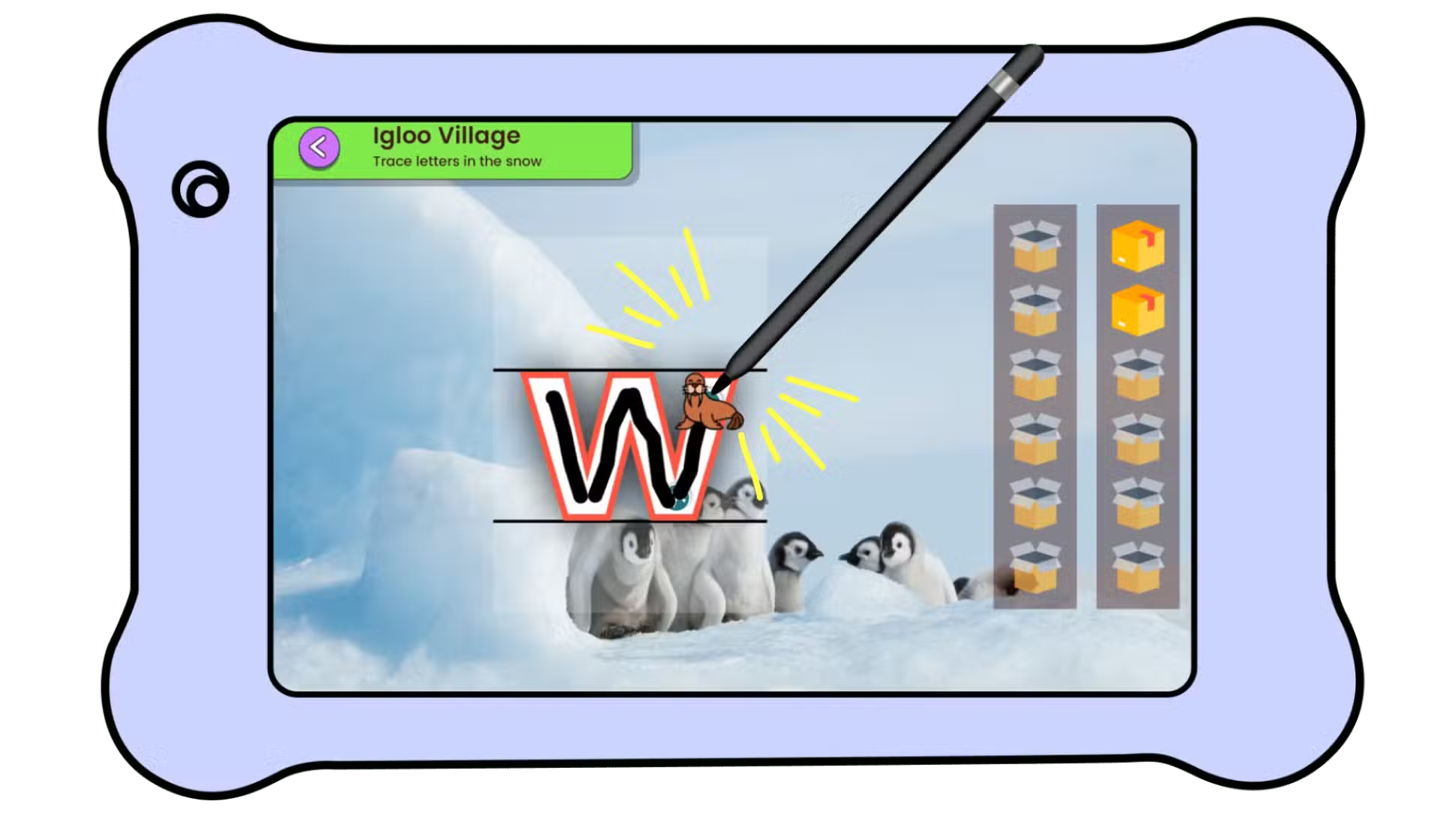
Once kids can trace the letters each shape, we recommend graduating them to a stylus. The stylus will imitate a pen on the screen. Using a stylus in combination with a pen / paper helps kids feel differences in friction on writing surfaces.
Certain shapes and letter benefit from exposing kids to sensory exercises or muscular exercises. Based on the shapes and letters your kids are challenged on, our parent app will offer you exercises that many pediatric occupational therapists recommend for that level.
A lot of our games are chosen specifically because they force kids to practice fine motor controls. If your kids are struggling with Penguin Pen, we recommend dedicated practice time in a game like Bubble pop. In that app kids pop the bubbles at a gradually increasing speed.
Yes! You are in total control. You can hide apps in the Parent App.
Have more questions? See our FAQ or Contact Us