
Trusted by 100,000+ Families

app

Timer

By Goally

Rating

3.7

star star star star star

Developmental Ages

3 to 8

years old

Type

penguin

Premium

Description

Make custom chore charts, checklists, first-then boards. Each activity gets pictures, video, audio, and timers. Kids win rewards for doing their work. Make bedtime and morning routines fun.

independence

Independence

time-management

Time Management

bg-planet
key-features-con

Key Features

Included on the Goally Tablet

arrow

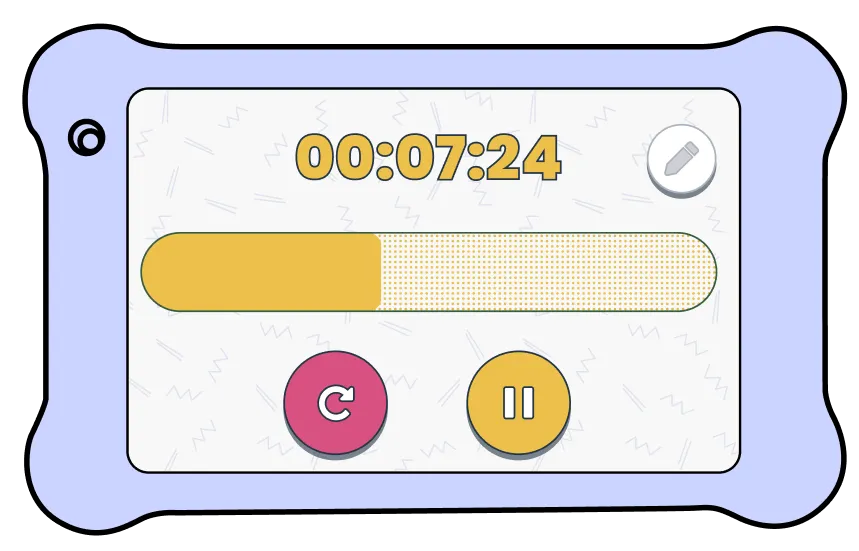
Focus mode disables buttons

arrow

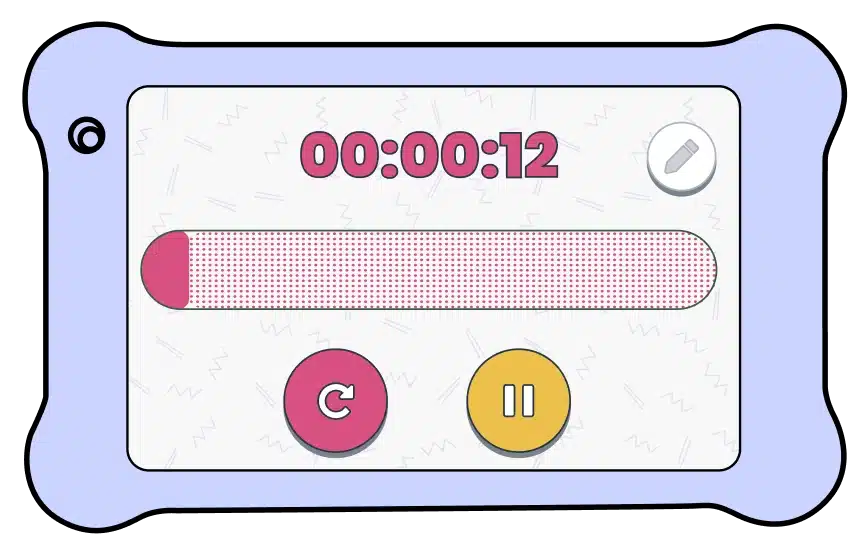
Time follows kids to the home screen

arrow

Control ticking sounds

timer app screenshot
independence

Independence

time-management

Time Management

key-features-con

Parent App Controls

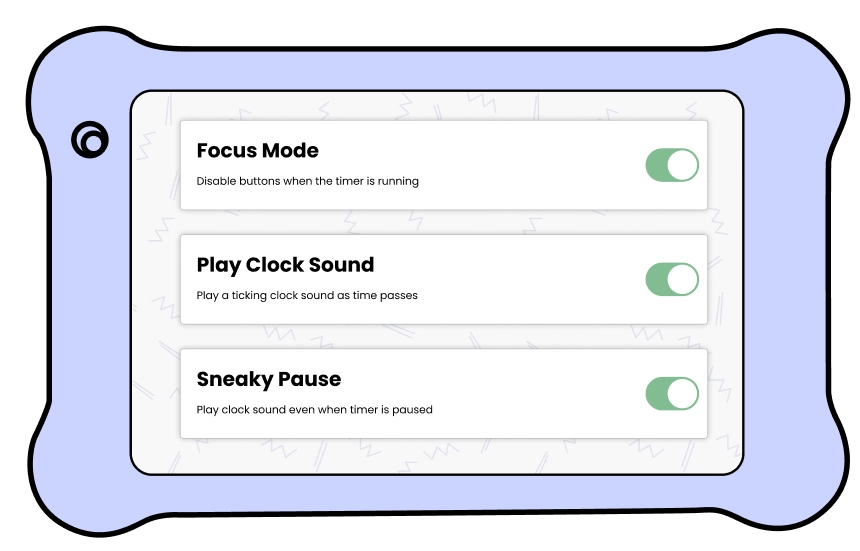
Free parent app included to manage Goally tablets

arrow

Disable buttons when timer is running

arrow

Play a clock tick as time passes

arrow

If kids pause it, give them a ticking sound

visual timer app screenshot parent app
visual timer app parent app
spiky-stars spiky-stars rocket-penguin

What Will Kids Learn

icon

Time management

icon

How to transition between activities

icon

Executive functioning skills

backpack-penguin.webp

Timer Tutorial

spiky-stars

Reviews

star star star star star

2 Months Ago

"My son's very eager to get everything done in the allotted time."

-Jen

star star star star star

10 Days Ago

"Goally helped us get to a point where our son doesn't fight with us."

-William K.

star star star star star

6 Months Ago

"The timer is simple and easy to use for single tasks!"

-Cassie R

star star star star star

5 Days Ago

"It sure has helped making kitchen time more structured and less chaotic!" ...

-Julie B

The Science of Visual Timers

spiky-stars bg-planet

90-Day Worry Free Guarantee

Kids are rough— we get it. If your Goally gets broken within 90 days, we’ll replace it for free.

Frequently Asked Questions

donut

Can my child use Goally while the Timer is going?

They sure can! The Timer app allows your child to continue to use Goally while counting down.

Can I keep the Timer ticking while it’s running?

Yes! The Timer can either tick to keep focus or be silenced to avoid distractions.

How does the visual timer keep kids focused?

The countdown timer shows your kid exactly how much time they have left for each task. Instead of rushing or getting distracted, they can see the time going down, which helps them focus and finish what they're doing.

What are some ways to use the visual timer?

Goally's visual timer is great for timed activities (brushing teeth, homework), screen time limits, transitions between tasks, and helping kids learn patience.